
Kiuwo From your materials to a mind map, connected to the sources.
Gone: reorganising handouts, notes and recordings by hand.
Back: a clear map that links concepts and leads back to the sources.
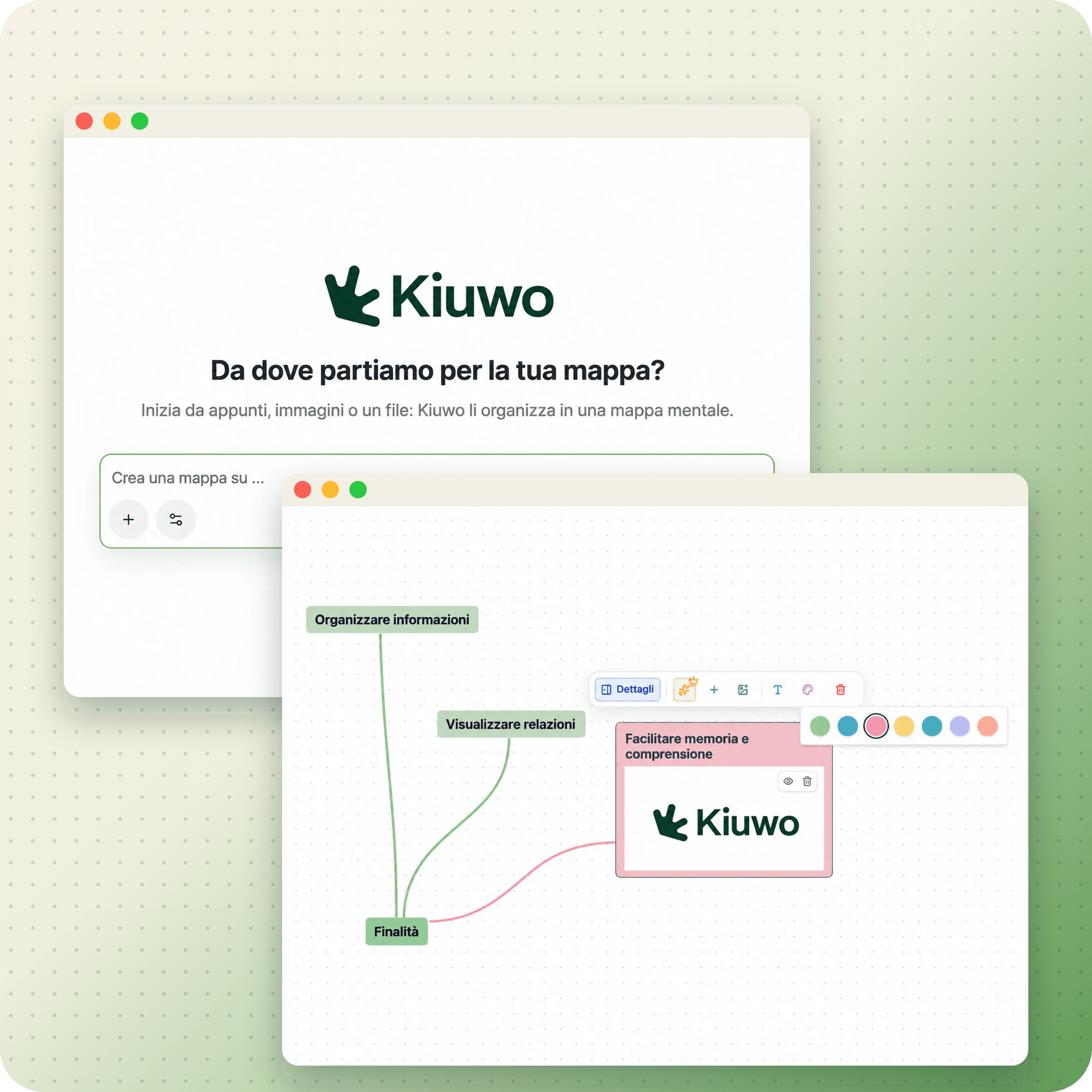
For anyone who needs to understand and organise complex information.
For students and teachers
- Notes, PDFs and recordings in a single map, to see how topics connect.
- Slides and handouts turned into a visual foundation to adapt to each lesson.
- Visual, structured learning, also for students with specific learning disorders (SLD).
For professionals, teams and companies
- Briefs, reports and minutes gathered into a shared overview before a meeting.
- Procedures, slides and recordings in a common structure to prepare a course.
- A shared space for groups, schools and companies, with managed access and a single plan.
From materials to map, in three steps.
Upload your sources
PDFs, photos, notes, audio, web links, PowerPoint presentations and Excel sheets.
Kiuwo builds the map
It finds concepts, hierarchies and relationships and organises them into a clear map.
Edit and share
Rewrite, move nodes and work on the same map with other people, in real time.
Why choose Kiuwo
More than a summary
Concepts, hierarchies and connections stay visible: the big picture first, then the details.
Connected to the sources
From the map you go back to the original materials to check the context and verify the information.
Yours to edit
AI organises a first version; you rewrite, move nodes and decide the structure.
Shared in real time
To study in a group, prepare a lesson or work on a project on the same map.
Start for free
Personal plans to grow when you need to, and plans for groups, schools and companies.
From source to shared map.
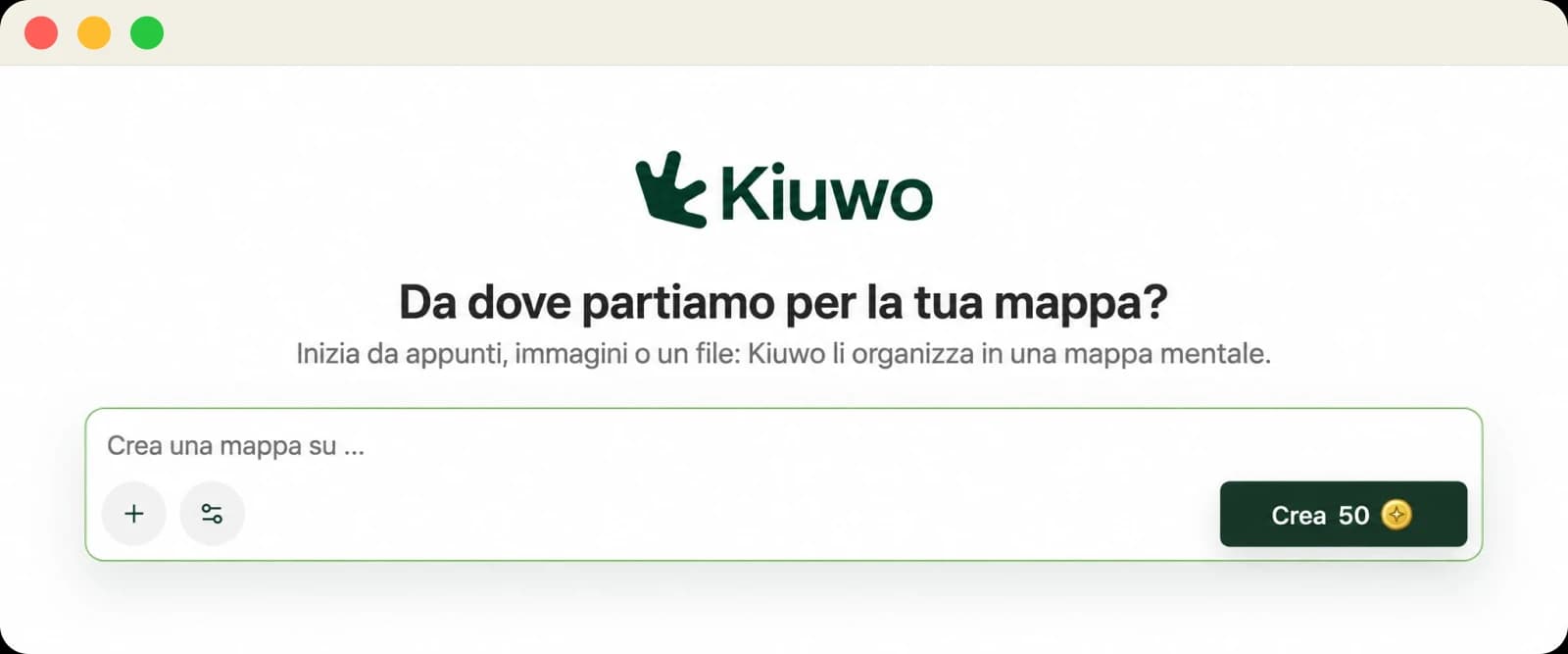
01 Create from a file. Start from notes, images or a file: Kiuwo organises them into a mind map. 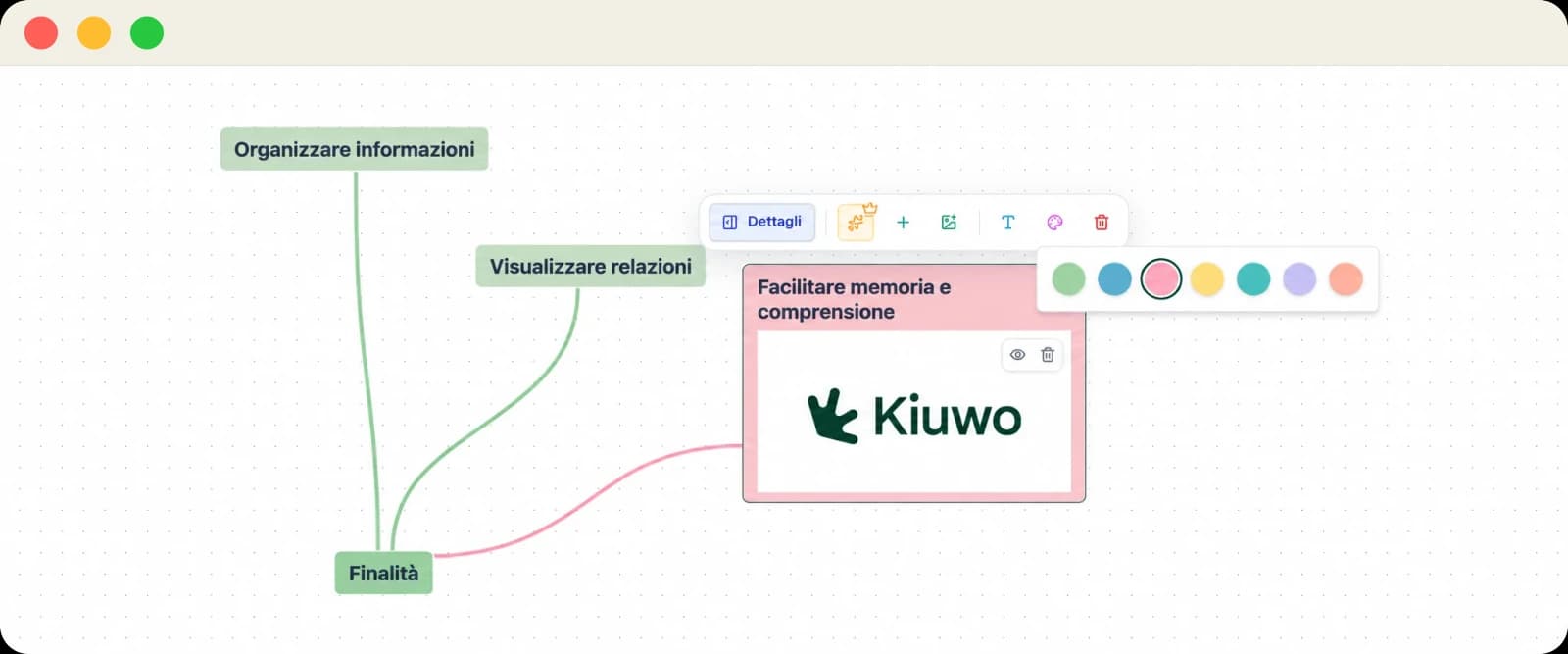
02 Edit the map. Every node can be rewritten, coloured and enriched with images and details. 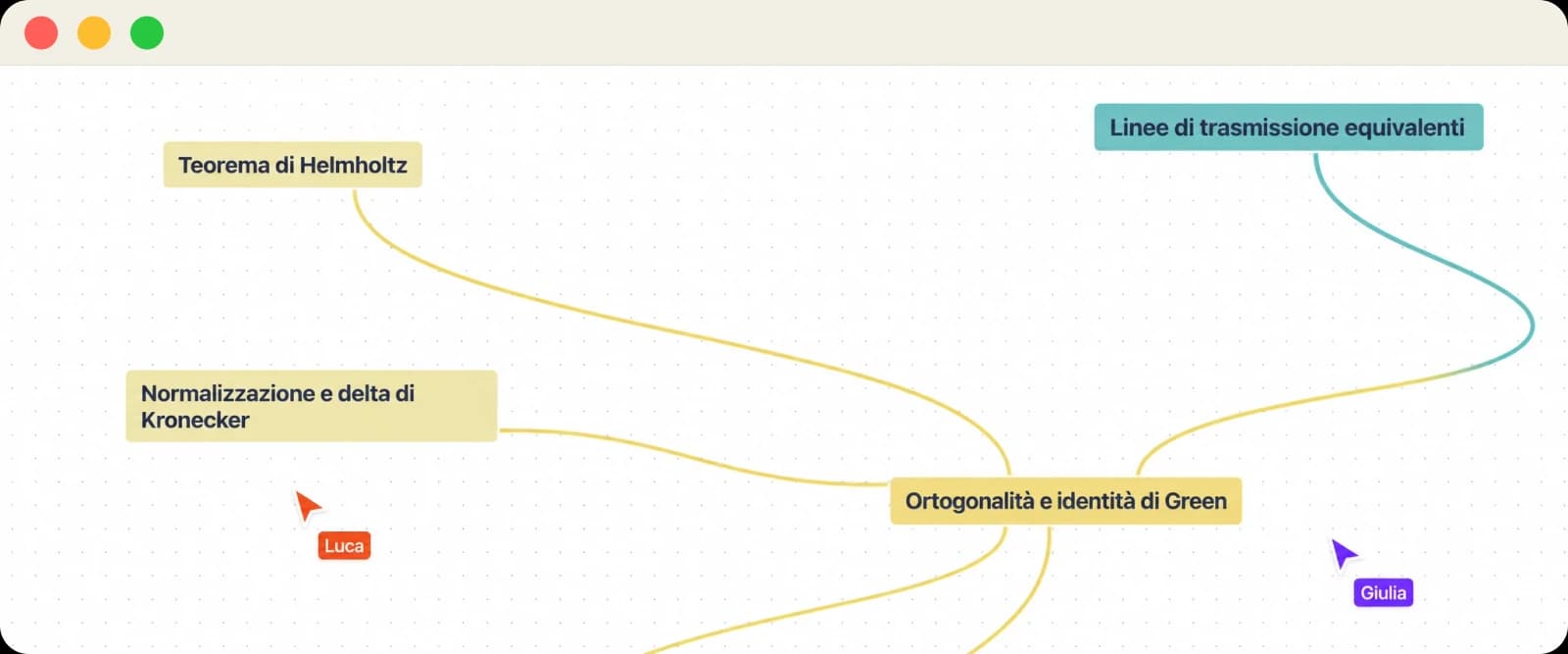
03 Real-time sharing. Several people work on the same map at the same time.
Create your first map.
Kiuwo is one of the tools of Mea World's training.